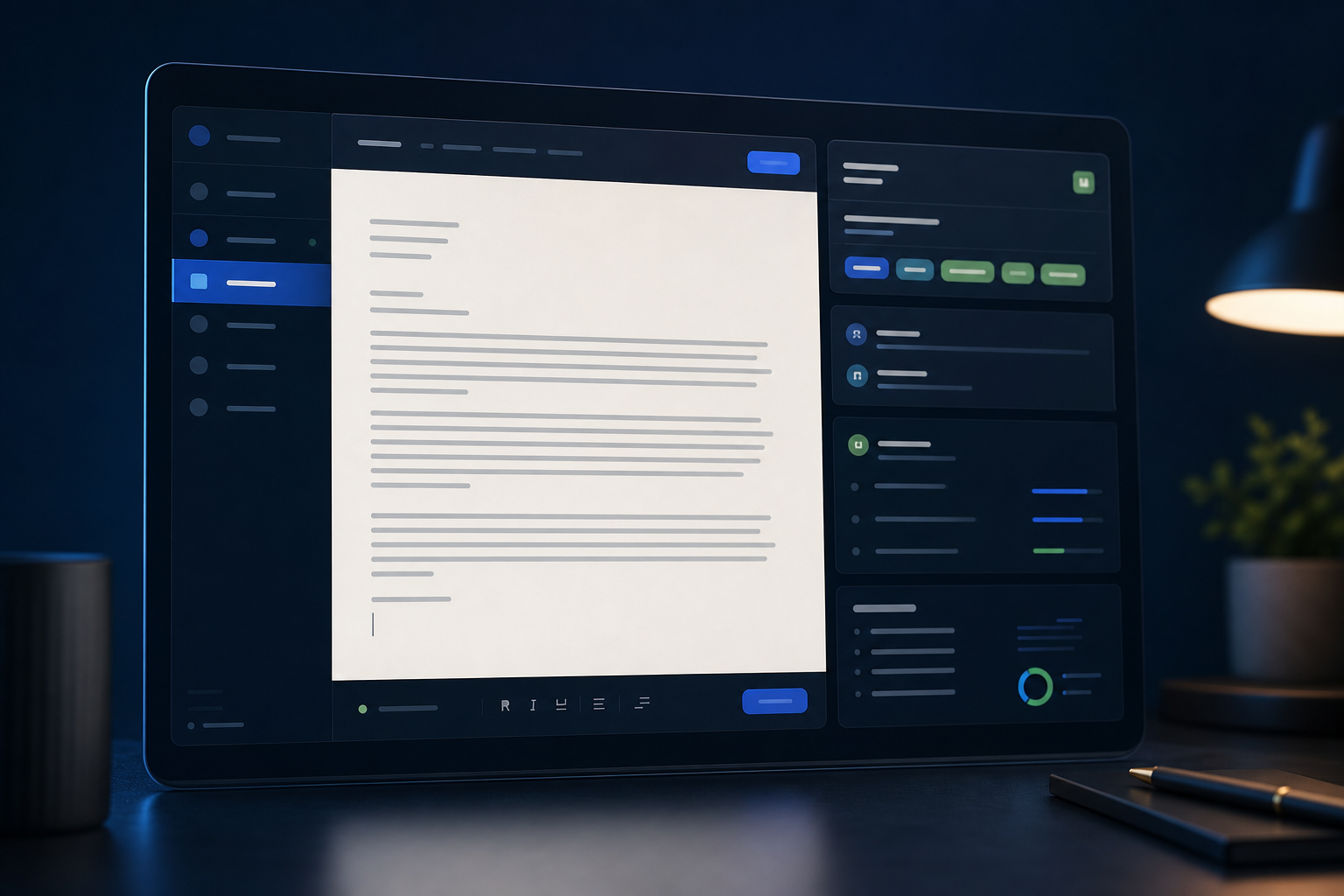
Convert a visually designed or outdated resume into a cleaner structure that ATS tools can read reliably.
This resource is written for job seekers who want to make stronger, clearer decisions before they apply. The aim is not to overwhelm you with theory. It is to show the parts of the process that create the most visible improvement in screening and recruiter review.
When a resume needs conversion
A resume usually needs ATS conversion when it came from a graphic-heavy template, a portfolio-style layout, or an older design that prioritized appearance over machine readability. The content may still be strong, but the container is no longer doing it any favors.
This often happens with multi-column templates, sidebars packed with key information, icon-based contact details, and decorative elements that add visual polish without helping interpretation.
Common signal
If the layout depends on visual arrangement, it may need flattening.
The more your resume relies on boxes, columns, and graphic structure, the more likely it is that an ATS will read parts of it inconsistently.
What to remove from visual templates
The first step is to strip out the elements that create reading-order ambiguity. That usually includes columns, tables, text boxes, icons used in place of labels, and visual skill bars. These pieces may look refined, but they do little to help screening systems.
You are not removing professionalism. You are removing noise. The more straightforward the reading order becomes, the easier it is for systems to extract the facts and for recruiters to scan what matters.
Practical checklist
- Move contact details into plain text at the top of the page.
- Replace sidebars with standard sections in the main flow.
- Convert graphic skill meters into plain language descriptions.
How to rebuild the structure
Once the risky elements are removed, rebuild the document with conventional sections: headline or summary, skills, experience, education, and optional certifications or projects. Use standard headings and a clean one-column layout so the reading order becomes obvious.
This stage is also a good chance to improve hierarchy. Put the most relevant content near the top, align dates consistently, and make the first page easier to scan. Conversion should not only make the resume safer. It should make it stronger.
Opportunity
Conversion is a chance to improve more than compatibility.
A cleaner format usually reveals where the content itself can be prioritized better, tightened, or made more role-specific.
A before-you-submit format check
After conversion, review the document like a parser and like a recruiter. Are the section labels clear? Are the dates aligned and readable? Does the top of the page explain your target role quickly? Can the experience bullets be skimmed without friction?
This final check keeps the process practical. You do not need perfection. You need a format that travels well, communicates cleanly, and supports the actual content you want employers to notice.
Practical checklist
- Read top to bottom for clean sequence and hierarchy.
- Check that no essential information sits in decorative containers.
- Confirm the converted format still feels polished and current.
Frequently asked questions
These are the practical questions candidates usually ask once they begin applying this guidance to a real resume.
Conclusion
Converting a resume to ATS format is mostly about making the document easier to read, easier to parse, and easier to trust. In many cases, the content is already there. It just needs a format that stops getting in the way.
Once the structure is dependable, your experience has a better chance of being surfaced correctly and reviewed with the clarity it deserves.

Author bio
Priya Lawson
Resume Operations Editor
Priya focuses on resume cleanup, ATS-safe restructuring, and the practical conversion work that makes documents easier to parse and easier to trust.
Social links