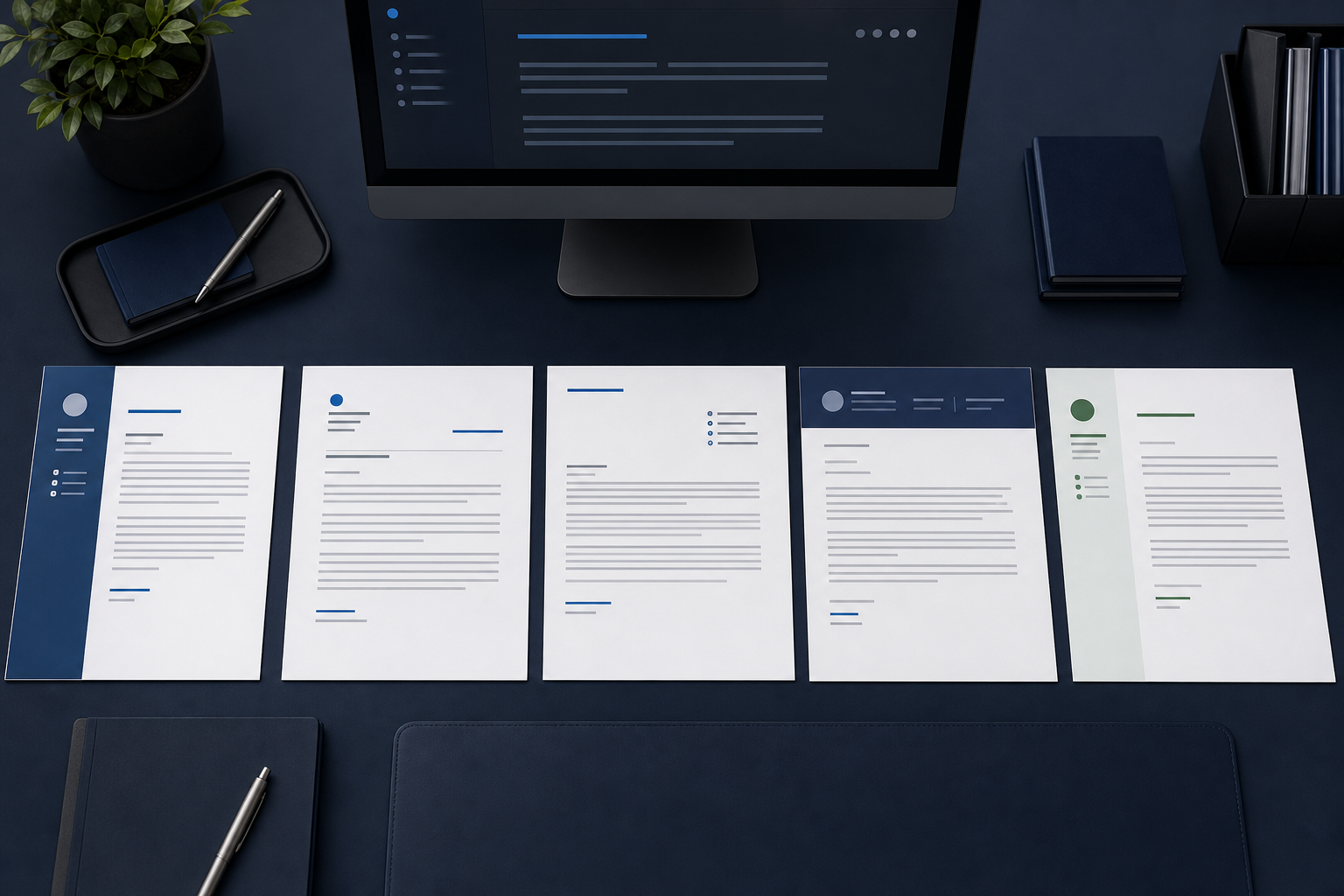
Cover letter format means more than margins and font choice. It covers the order of information on the page and the communication context: a formal attachment for a posted role, an email written in the message body, a note built around a referral, or an introduction to an employer that has not advertised an opening.
The core argument stays consistent across those situations, but the framing and delivery change. Choosing the format first helps you include the right details, set the right level of formality, and make the letter easy to understand before a hiring manager reaches the evidence in the body.
Why cover letter format matters
A clear format reduces the work required to understand your letter. Familiar ordering lets the reader locate your identity, the role, the evidence, and the requested next step without decoding the page. That matters whether the letter is reviewed as a PDF, previewed inside an application system, or read as an email.
Formatting also signals professional judgment. Consistent alignment, restrained styling, and a delivery method that follows the employer's instructions show that you can communicate within context. Relevance still carries the argument, but presentation determines how easily that argument can be followed.
What a sound format should accomplish
- Read in a logical sequence without unusual columns, floating text, or decorative detours.
- Make the role, sender, and reason for writing clear in the first screen or page section.
- Match the formality of the relationship and the employer's requested submission method.
- Use enough white space and paragraph contrast to support a quick first scan.
Useful distinction
Structure is the skeleton; format is the skeleton plus the setting.
Two letters can use the same opening, evidence, and close while requiring different headers, subject lines, recipient details, and levels of context.
Know the standard cover letter anatomy
Most cover letters use block format: every major element aligns to the left, paragraphs are separated by space, and the page avoids first-line indents. This conventional structure works because each block has one clear job and the reader can move through it in order.
An uploaded letter normally begins with your contact details and the date. Add the recipient's name, title, organization, and address when you are preparing a formal business letter and can verify the information. For an email-body letter, the email header already supplies the date and sender, so a separate postal-style address block is usually unnecessary.
The essential blocks, in order
- Date and contact details: your name, phone, professional email, and useful location or portfolio link.
- Recipient information: verified name, title, company, and address when the formal document context calls for it.
- Greeting: a named recipient when verified, or a specific team-based greeting when it is not.
- Opening paragraph: the role or purpose, your strongest relevant premise, and a credible point of connection.
- Evidence-led body: one or two short paragraphs that connect actions and outcomes to the reader's needs.
- Closing and sign-off: a concise restatement of fit, a request for conversation, thanks, and your full name.
Block format
Keep the left edge predictable.
Left-aligned blocks, short paragraphs, and consistent spacing are easier to scan than centered body copy, indented paragraphs, or a layout that changes alignment from section to section.
Build the letter with this practical blueprint
Use this blueprint to plan the whole letter before polishing individual sentences. Each block should move the reader forward: identify the context, establish the match, prove it, and make the next step easy. Remove a block only when the delivery format supplies the same information elsewhere.
Format blueprint
One page, six connected blocks
Draft the evidence first if that is easier, but arrange the finished letter in this sequence so the reader receives context before proof.
1. Header and date
List your contact details, then the date. In a formal attachment, add verified recipient details beneath the date; in an email-body letter, begin with the greeting instead.
2. Greeting
Use the recipient's verified name or a clear role-based greeting such as Dear Operations Hiring Team. Do not guess an honorific or identity.
3. Opening premise
Name the position or reason for contacting the reader, then connect your most relevant capability to an outcome the team needs.
4. Primary evidence
Develop the strongest example with your action at the center, a credible result, and one sentence explaining its relevance to this employer.
5. Supporting fit
Add a second, distinct proof point or explain the motivation, referral, transferable experience, or company context that completes the case.
6. Close and sign-off
Summarize the match, invite a conversation, thank the reader, and finish with a conventional sign-off and the same full name used on your resume.
Blueprint test
Every block should answer a different reader question.
If the two body paragraphs make the same claim or the closing repeats the opening line for line, consolidate the material and use the space for stronger evidence.
Application cover letter format
Use an application cover letter when you are responding to a specific advertised position. This is the most conventional type: it names the exact role, follows the requested upload or text-entry method, and builds the body around requirements visible in the job description.
The employer already knows why the role exists, so spend little space on broad introductions. Prioritize direct role fit, recent evidence, and a specific reason the opportunity makes sense. The page should visually coordinate with your resume without becoming a duplicate of it.
Use it this way
- Use when: a job posting requests or allows a cover letter for a named opening.
- Change: mirror the exact job title, prioritize the posting's main outcomes, and follow its file instructions.
- Avoid: sending a generic career summary that never connects your evidence to this role.
Best source
Let the live job description set the evidence order.
Your first example should usually address one of the role's most important responsibilities, not simply the achievement you use most often.
Prospecting cover letter format
A prospecting letter introduces you to an employer that has not advertised the specific role you want. Because there is no posting to supply context, your opening must explain both the kind of contribution you are proposing and why this organization is a logical place to make it.
Research carries more weight here. Identify a real business direction, capability gap, or team need you can discuss without pretending to know confidential problems. Keep the request proportionate: ask for a short conversation or guidance, not immediate consideration for a role that may not exist.
Use it this way
- Use when: you have a focused target employer and a credible value proposition but no suitable posted opening.
- Change: provide more organizational context, define the work you can support, and make a low-pressure request.
- Avoid: writing a vague message that asks the company to find any opportunity for you.
Research boundary
Show informed interest without inventing a need.
Base your premise on public information and your relevant experience, then leave room for the employer to explain whether the capability is useful now.
Networking cover letter format
A networking cover letter begins with a legitimate relationship, referral, event, or prior conversation. The connection supplies context, but it does not replace your case for fit. Mention it early and accurately, then move into the work you are exploring and the evidence that makes the conversation worthwhile.
This format can be shorter and warmer than a formal application letter, especially when sent as email. Respect the strength of the relationship: someone who suggested a contact is not automatically endorsing your full candidacy, and their name should not be used beyond what they approved.
Use it this way
- Use when: a verified contact, referral, event, or conversation gives you a genuine reason to write.
- Change: state the connection in the opening, use a concise ask, and match the tone of the existing relationship.
- Avoid: overstating the referral or making the contact responsible for securing an interview.
Relationship rule
Name the connection, then earn the reader's attention yourself.
A referral opens the message; relevant evidence and a considerate request determine whether the conversation continues.
Career-change cover letter format
A career-change letter needs to resolve a question the resume may leave open: why does experience from one field make sense for this new direction? Address the transition directly, then organize the body around transferable capabilities, relevant learning, and recent evidence that supports the move.
Do not apologize for the previous career or depend on passion as proof. Translate your background into the target employer's terms. A project, certification, volunteer assignment, adjacent responsibility, or repeated transferable outcome can make the bridge more credible when it is explained precisely.
Use it this way
- Use when: your target role differs enough from your recent titles that the transition needs explanation.
- Change: make the bridge explicit, translate transferable evidence, and include recent commitment to the new field.
- Avoid: spending the letter defending what you lack instead of proving what carries over.
Transition logic
Explain continuity before difference.
Start with the problems, people, tools, or decisions that connect both careers, then show how you have prepared for the parts that are genuinely new.
Email cover letter format
An email cover letter places the letter in the message body rather than in a separate attachment. Use a direct subject line that includes the position and your name when appropriate. Begin with the greeting, keep the paragraphs short for screen reading, and place your contact details in the signature block.
If the employer asks for both a cover letter attachment and an application email, do not paste the full letter twice. Write a brief delivery note in the email, name the attached files, and keep the complete argument in the requested attachment.
Use it this way
- Use when: instructions request the letter in the email body or direct outreach is best handled as a message.
- Change: add a useful subject line, remove the postal header, shorten paragraphs, and use an email signature.
- Avoid: attaching an unrequested duplicate or using a blank, vague, or overly casual subject line.
Subject line
Make the message identifiable before it is opened.
A simple structure such as Application: Operations Analyst - Jordan Lee is clearer than Hello, Resume, or an attention-seeking phrase.
Apply the final formatting and submission checks
For an attachment, target one page and use a readable professional font at a comfortable body size, usually around 10.5 to 12 points depending on the typeface. Conventional margins are typically between 0.75 and 1 inch. Use single spacing within paragraphs, a clear gap between blocks, and consistent left alignment.
Match the contact details, name styling, and restrained visual accents used on your resume when practical. Save the file with an identifiable name such as Firstname-Lastname-Cover-Letter-Company. Follow the posting's PDF, Word, or text-entry instruction exactly; the requested format takes priority over a general preference.
Final format audit
- Confirm the letter stays on one page without shrinking the font or margins to uncomfortable extremes.
- Use a readable font such as Aptos, Calibri, Arial, Georgia, or Times New Roman, and limit the document to one family.
- Check the recipient, company, role title, date, greeting, file name, and file type against the live application.
- Open the exported file and verify line breaks, page count, links, and characters before uploading it.
- Remove tracked changes, comments, placeholders, previous employer names, and unsupported claims.
- If emailing, send yourself a test message to confirm the subject, spacing, signature, and attachments.
JobScrutiny workflow
Generate content, then adapt it to the required format.
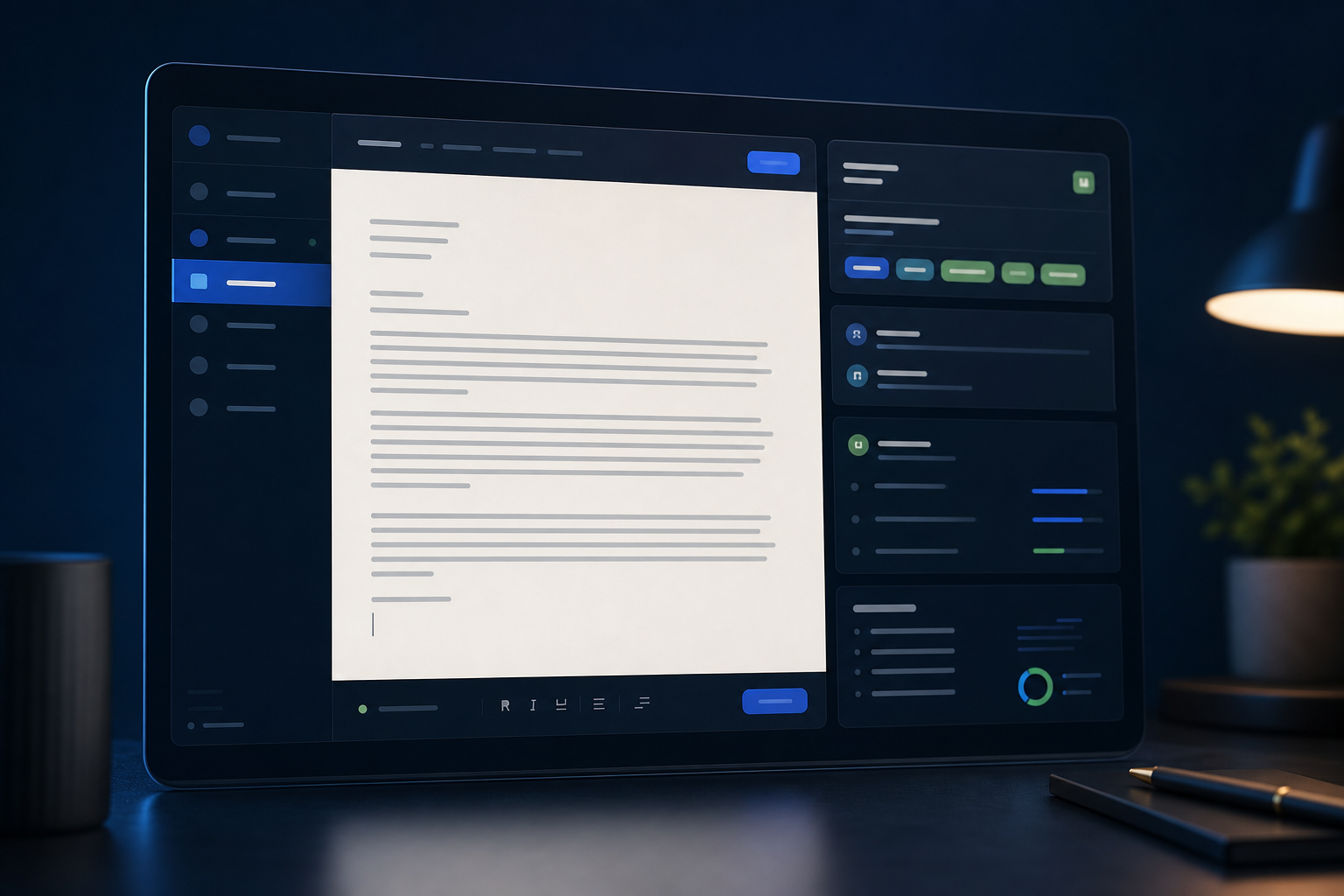
JobScrutiny can create a starting draft from the role, company, job description, and an optional selected resume. Review every claim, edit the structure, then copy or download the text for the submission method you need.
Frequently asked questions
These answers cover the document and delivery decisions that most often create uncertainty at the final stage of an application.
Conclusion
The right cover letter format removes friction between your evidence and the person evaluating it. Choose the type from the communication context, keep the standard blocks recognizable, and change only the details that the delivery method or career situation genuinely requires.
Before you submit, inspect the page or email as the recipient will see it. A concise argument, readable presentation, accurate file details, and exact compliance with the employer's instructions are what make the format feel professional.

Author bio
Avery Morgan
Application Strategy Editor
Avery writes practical application guidance that helps job seekers turn relevant experience into clear, credible stories for hiring teams.
Social links