Search JobScrutiny
Search pages, resources, and account actions.
Search pages, resources, and account actions.
Search pages, resources, and account actions.
Featured layouts
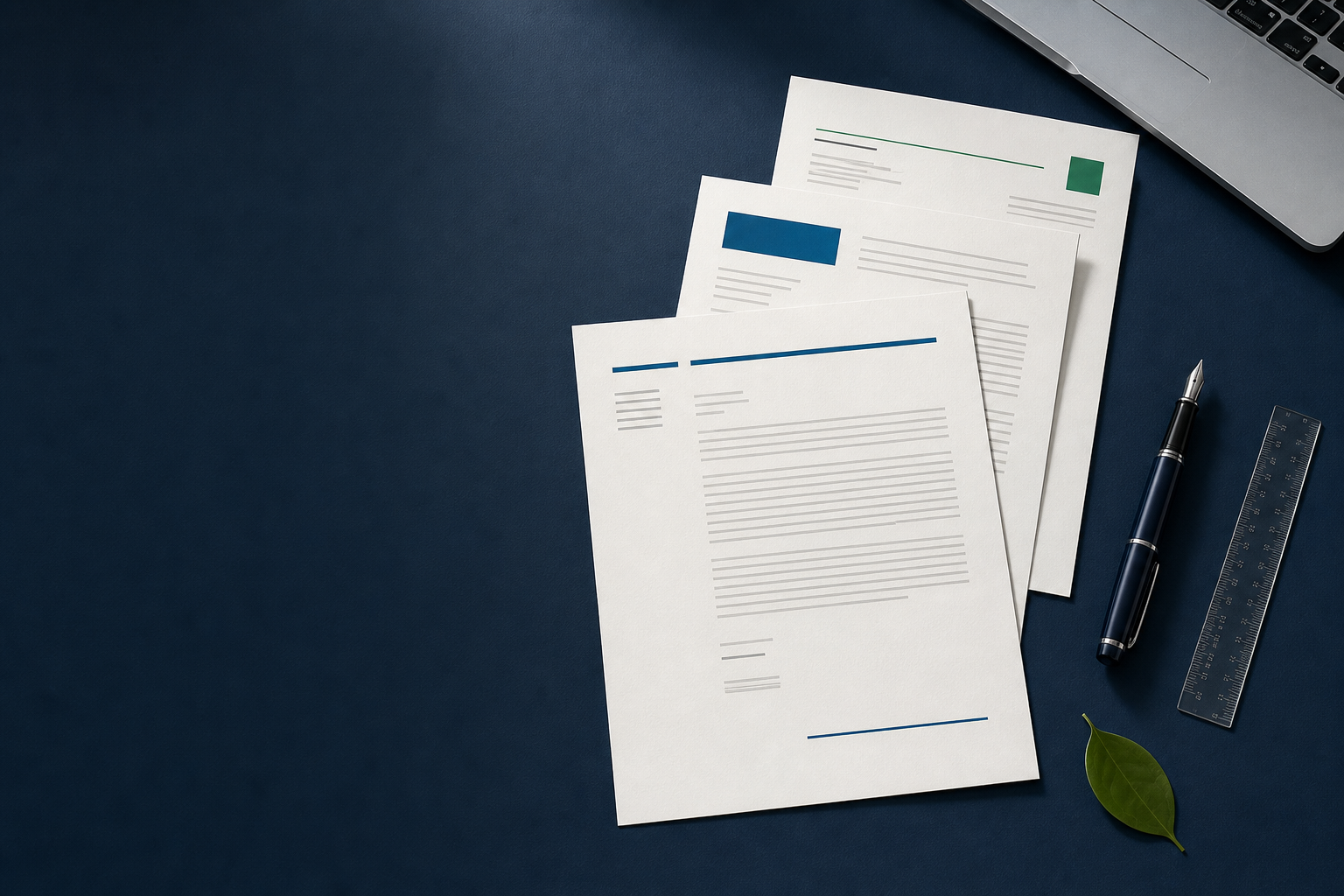
Move between a minimal, expressive, or formal direction. Each layout keeps the content itself in focus.
Built around the writing
The opening, evidence, and close appear where a reader expects to find them.
Layouts give you room to replace generic language with specific, useful details.
Your strongest examples can change for each opportunity without rebuilding the page.
Full template catalog
The best choice is the one that supports your message, fits the employer's tone, and leaves enough room for specific evidence.
The document
A cover letter is a short, role-specific argument that sits beside your resume. It gives an employer context your resume may not show on its own.
A useful letter explains why you are interested, selects evidence that matters for the position, and connects that evidence to the team's needs. It should add interpretation rather than repeat your work history line by line.
The template handles hierarchy and spacing. You are still responsible for the research, examples, and accurate claims that make the letter worth reading.
A practical starting point
Good structure reduces formatting decisions without replacing the thinking that makes your application specific.
A template gives your greeting, evidence, and close a sensible sequence before you begin drafting.
With the page structure settled, you can focus on relevant examples instead of adjusting margins and spacing.
Repeated type sizes, spacing, and alignment help the final letter feel deliberate from top to bottom.
Change the opening, proof points, and employer details while retaining a dependable core layout.
Compare restrained, formal, modern, and role-led styles before choosing what fits the opportunity.
From layout to first draft
Open JobScrutiny's cover letter workspace to draft, edit, copy, or download your letter as text. Review every claim before you use it.
Before you write
Use this checklist to make sure the layout contains the information a reader needs, in an order that is easy to follow.
Name, email, phone number, location, and a relevant professional profile if useful.
The hiring manager, company, role title, and date when the submission format calls for them.
Name the role and give the reader a clear reason to continue, without repeating your resume summary.
Use one or two examples that connect your work, skills, or projects to the employer's priorities.
Explain why this work, team, or problem is relevant to your direction and experience.
Reinforce the fit, invite the next step, and sign off professionally without overexplaining.
Tailor the message
The layout can stay familiar. The argument should change when the role, employer, or most relevant evidence changes.
A repeatable tailoring pass
Mark the responsibilities, skills, and problems the employer emphasizes.
Select one or two accurate examples that show you can contribute in those areas.
Update the opening, transitions, and close so the letter clearly belongs to this application.
Early-career guidance
You do not need to apologize for being early in your career. Use the letter to make the relevance of your projects, coursework, volunteering, placements, or community work easier to see.
Name the task or problem you handled.
Explain the action you personally took.
Show the skill the example demonstrates.
Connect that skill to the target role.
Final review
A polished template cannot rescue vague or inaccurate writing. Review the substance and the file before you submit.
Template FAQ
Practical answers about length, file types, email applications, and readable formatting.
Keep working
Choose a format, sharpen the writing, or open the generator when you are ready to draft.
Compare application, prospecting, networking, career-change, and email formats.
Explore resourceBuild an evidence-led opening, body, and close for a specific opportunity.
Explore resourceSee how the JobScrutiny drafting workflow turns role context into an editable letter.
Explore resource